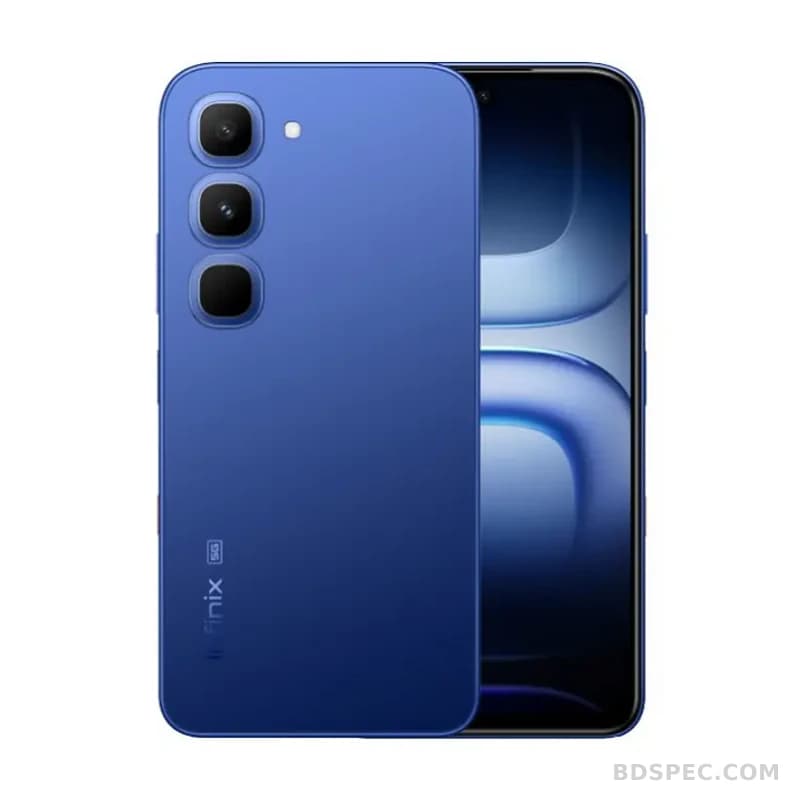
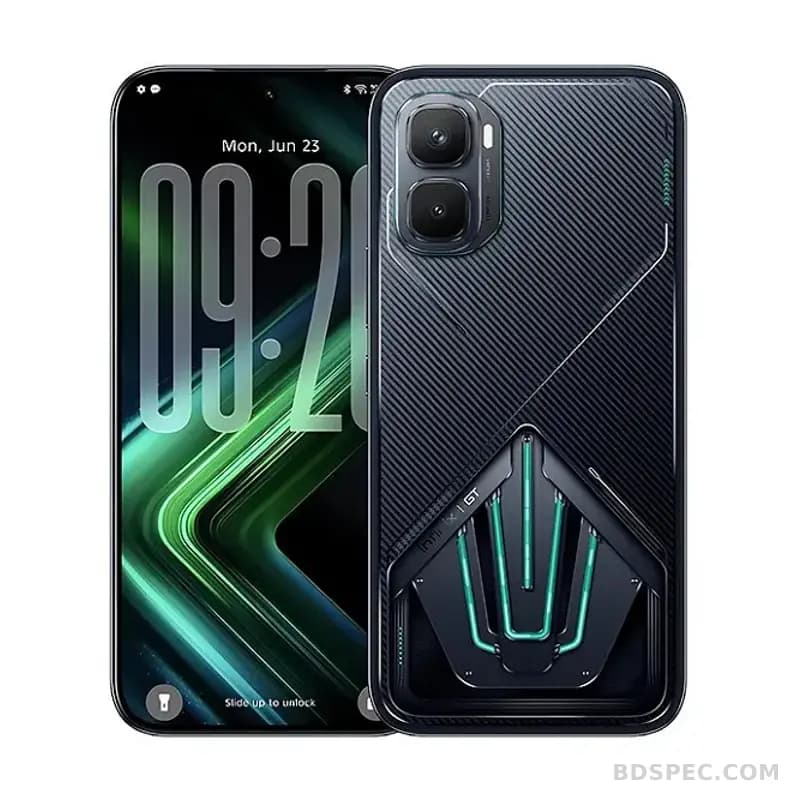
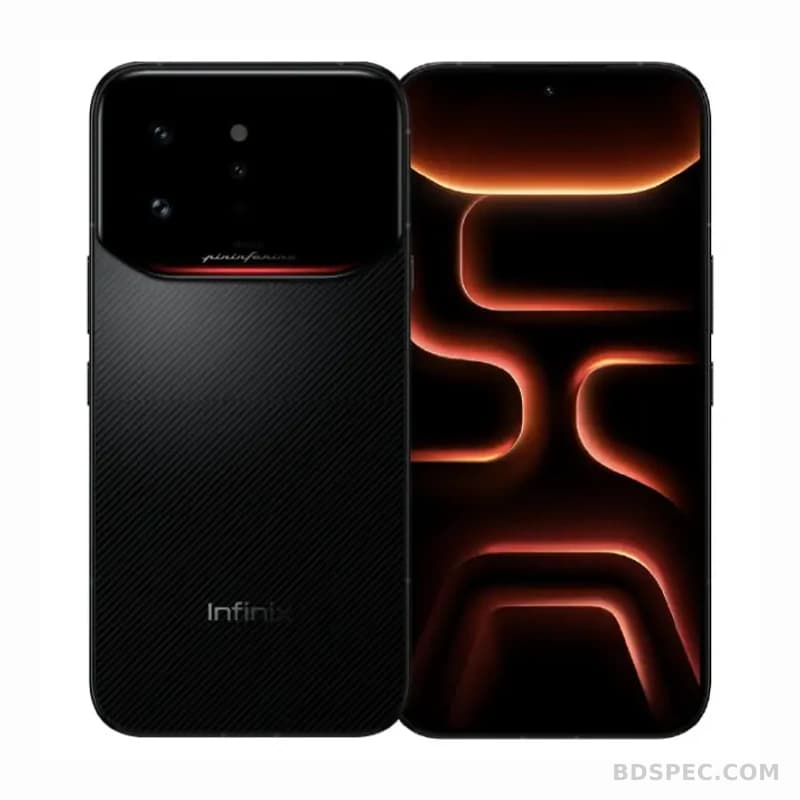
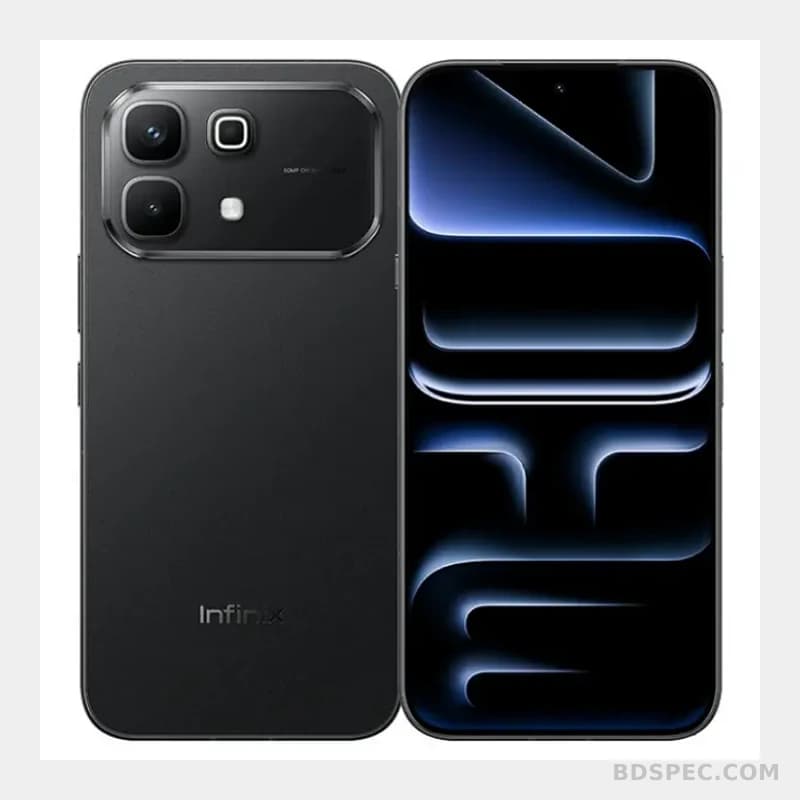
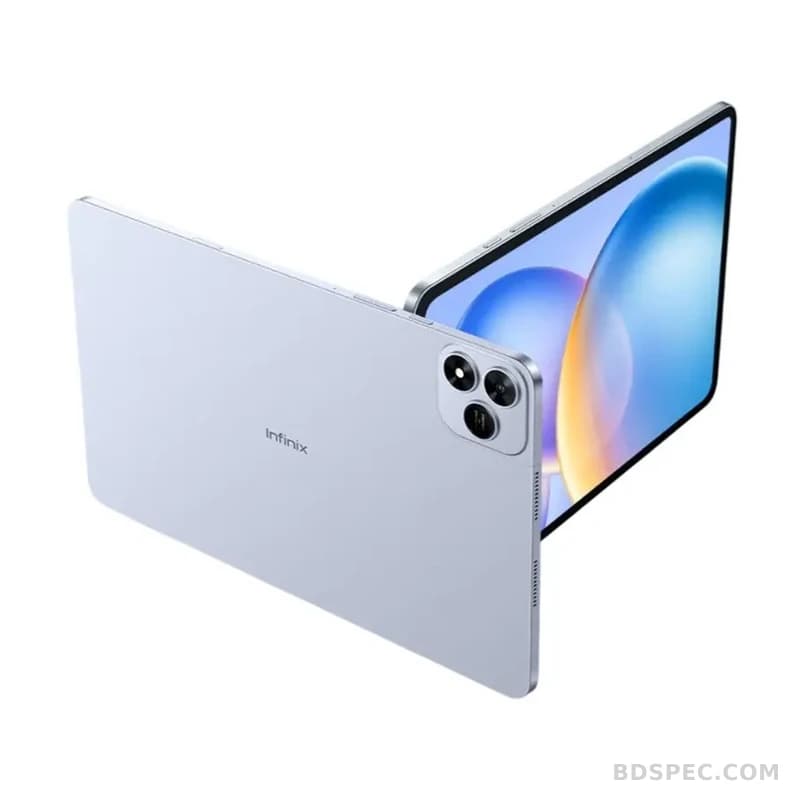
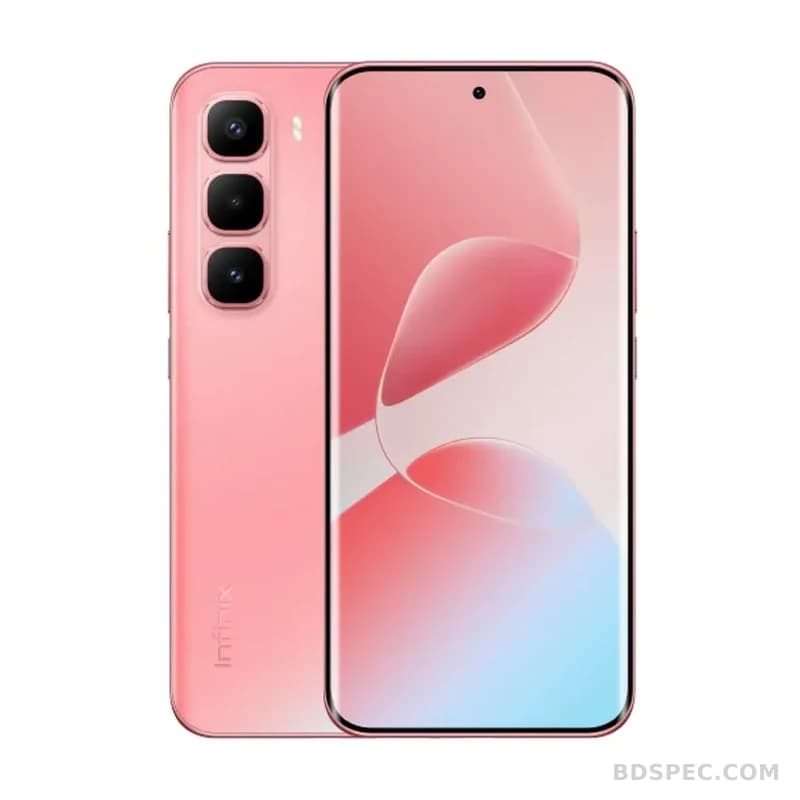
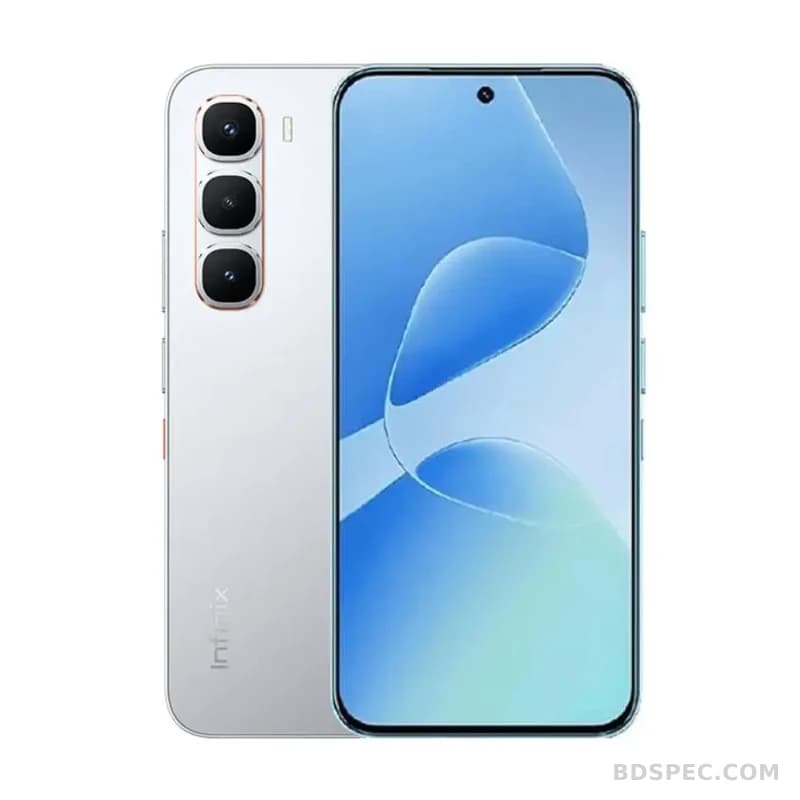
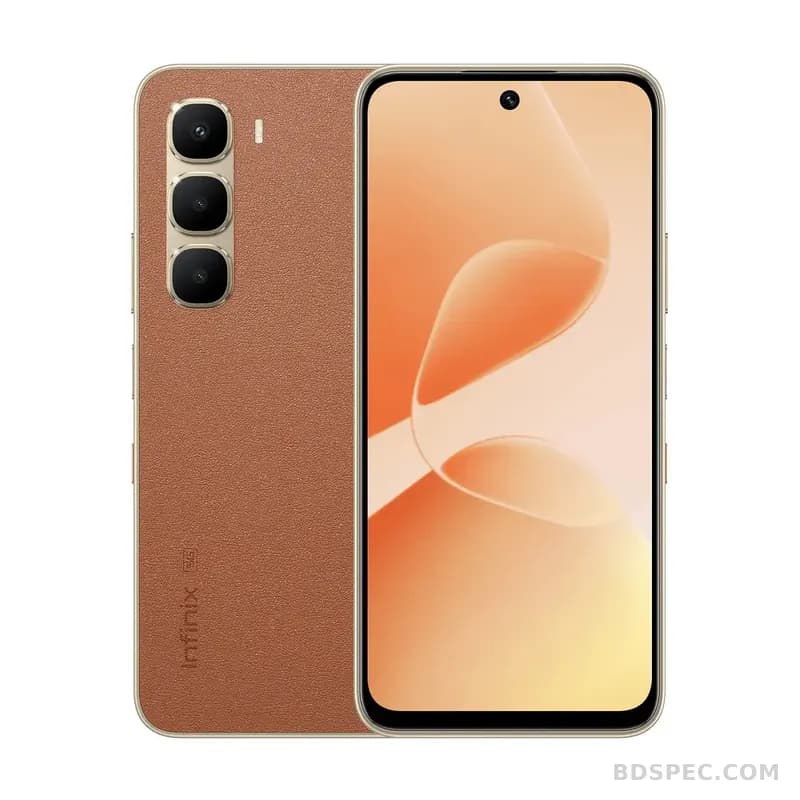
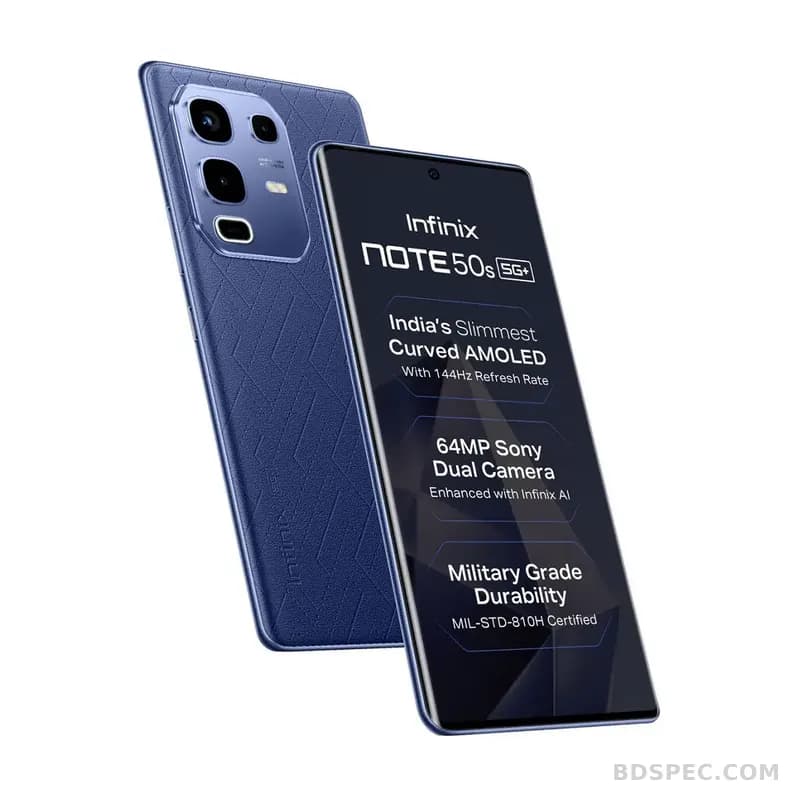
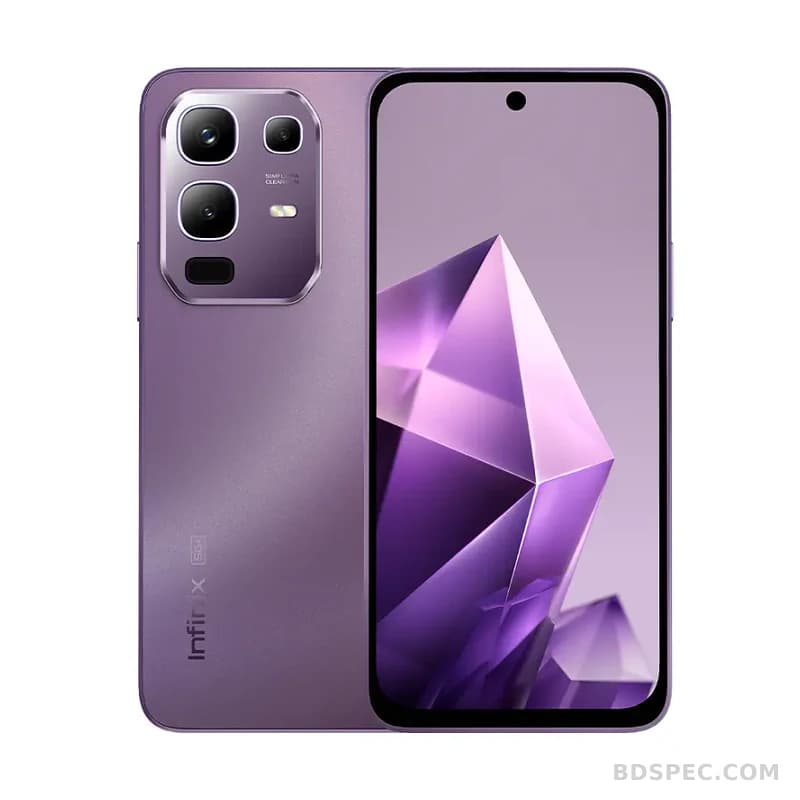
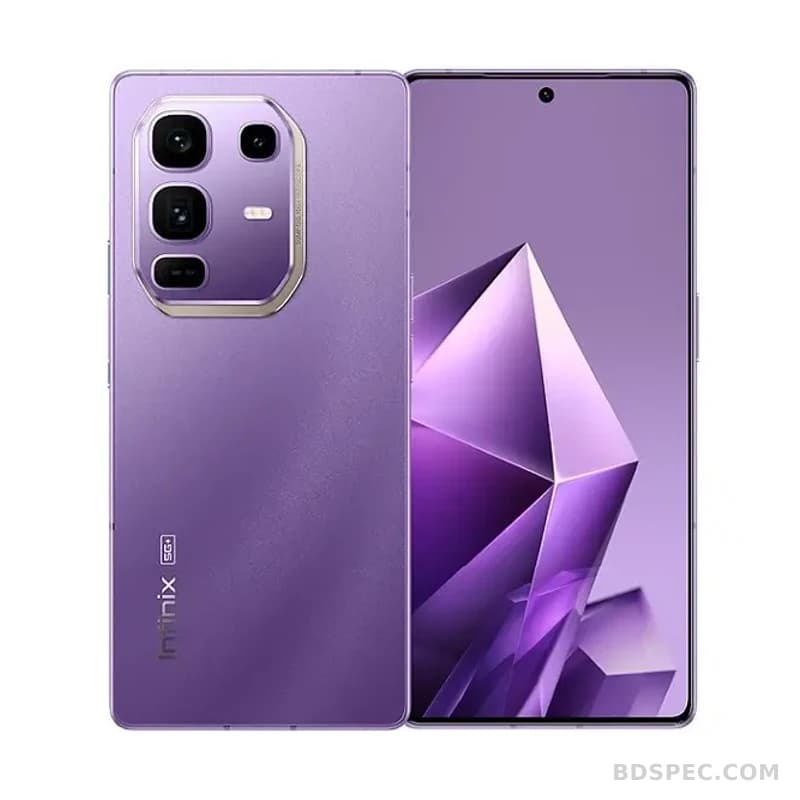
Not everyone wants a flagship. Many buyers in Bangladesh are looking for a device that does the job, lasts a reasonable time, and does not empty the wallet. Infinix has positioned itself around exactly that idea, and its range now stretches beyond phones into laptops and tablets. This guide looks at how to choose within each product type and how to avoid the small mistakes that make a budget purchase feel like a waste.
The budget-buyer mindset
When money is tight, the temptation is to buy the cheapest option on the page. That often backfires. The better approach is to identify the one or two features you genuinely need, then find the lowest price that delivers them with a brand you can get serviced. Cheap is not the same as good value, and a device that fails after a few months costs more than a slightly pricier one that lasts.
Think about the total cost, too. A phone that needs an expensive repair, a laptop with a battery that cannot be replaced locally, or a tablet with no accessories available will cost you more in the long run. Availability of service and spares is part of the price.
Choosing an Infinix smartphone
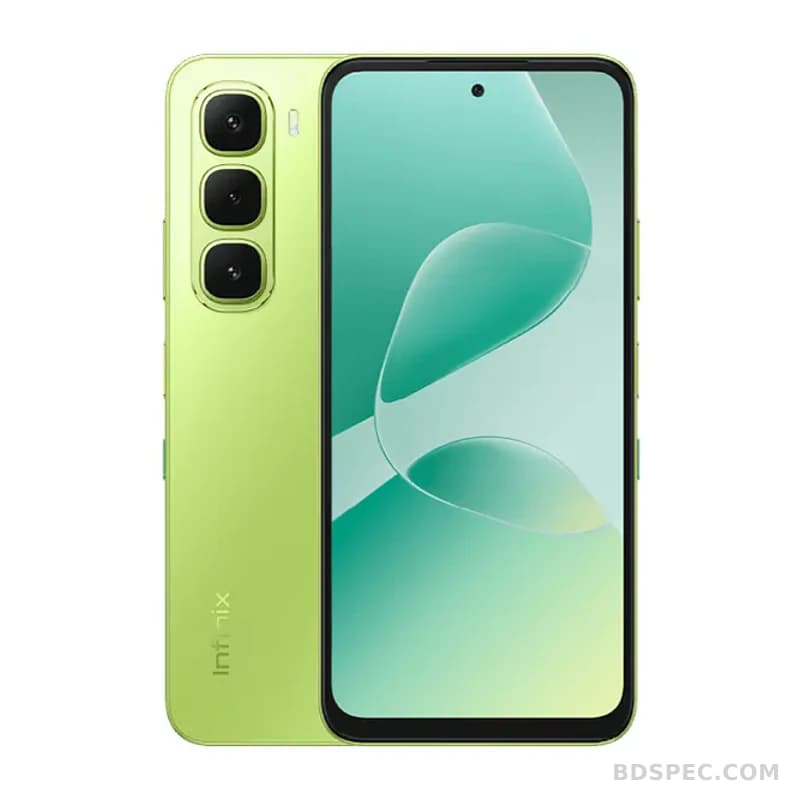
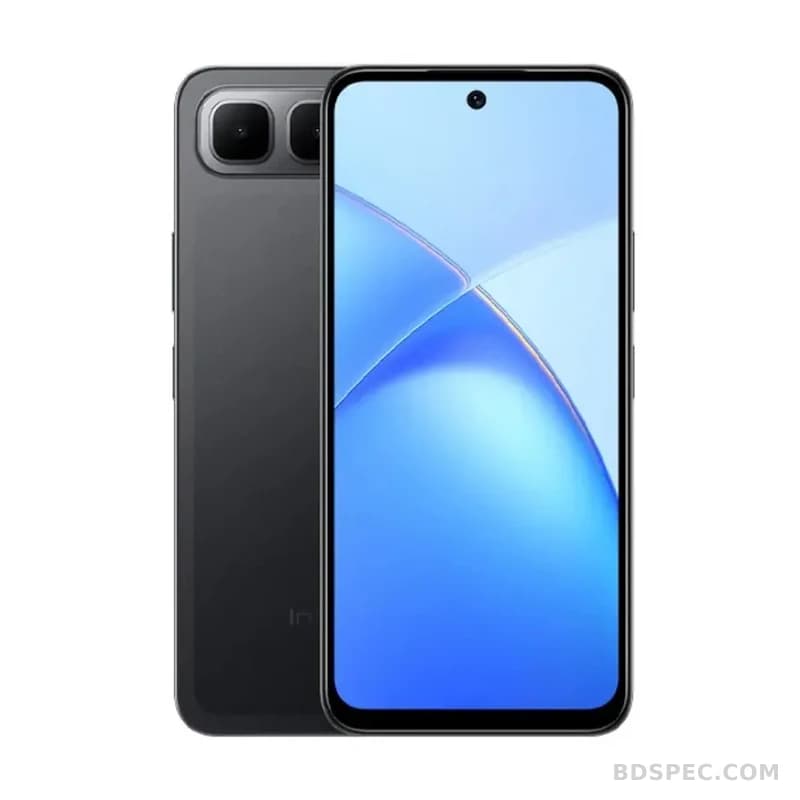
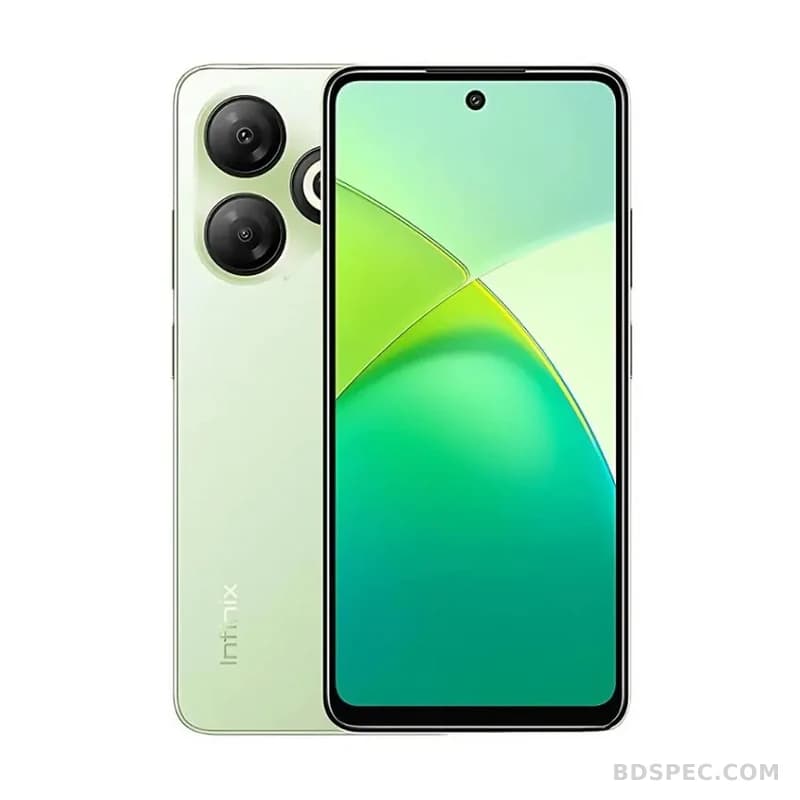
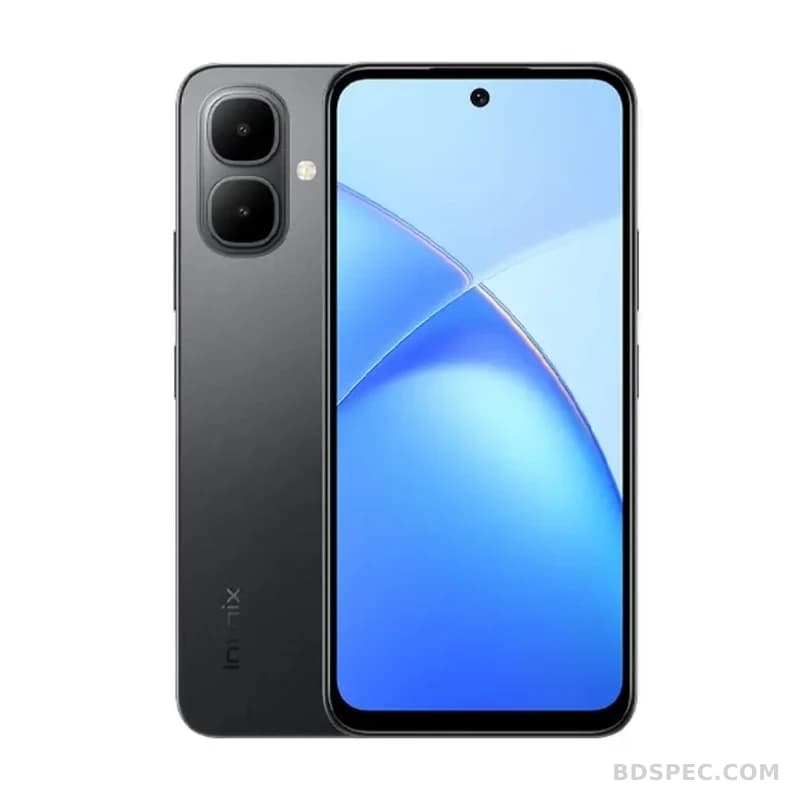
For most buyers, the phone is the main device. Here is a simple way to decide:
Screen size. Large screens are great for video and games, but if you spend the day on calls and messages, a smaller, lighter phone is easier to live with.
Battery. A big battery is the most universally useful feature on a budget phone. If you are away from a charger for long hours, prioritise capacity over a slightly sharper screen.
Storage. Base models fill up fast. If you take a lot of photos or install several games, choose a variant with more storage, or confirm that a memory card can be added.
Camera. Megapixel numbers do not tell the whole story. Look for sample photos in daylight and at night, and consider how the phone handles portraits, since that is what most people actually shoot.
Software and updates. Ask how long the phone will receive updates. A device that keeps getting security fixes is safer and lasts longer.
If a phone is your priority, browsing the
smartphone section lets you compare specific models and variants in one place. Reading a few listings closely beats trusting a single review.
Do you need a laptop as well?
Many students find that a phone is not enough for assignments, spreadsheets, or online classes. A budget laptop changes what you can do: a real keyboard, a larger screen, and proper multitasking. When comparing, focus on the keyboard and trackpad quality, the screen, the battery, and how much memory and storage you get. For online classes and documents, a modest laptop is fine; for programming or design, you need more memory and a better processor.
The
laptops range is worth a look if you are equipping a student or setting up a small home office, and it helps to compare weight and battery life as well as specifications, because a laptop you do not want to carry is a laptop you will not use.
Where a tablet fits
A tablet sits between the phone and the laptop. It is excellent for reading, watching video, taking notes with a stylus, and handing to children for online classes. It is not a replacement for a laptop if you need to type a lot or run desktop software. If your main tasks are consumption and light note-taking, a tablet is often the best value of the three. The
tablet listings are the place to compare screen sizes and storage options.
Buying advice for families
If you are buying for several people, match the device to the person. A teenager who games needs more performance than a parent who mainly makes calls. A younger child needs a durable device and parental controls more than raw speed. Buying one expensive device and sharing it rarely works as well as buying the right modest device for each person.
Check network support before you buy, especially for phones, and confirm which bands your operator uses. For laptops, check the ports, because a machine with too few ports may need adapters. For tablets, check whether the model has a headphone jack or a memory card slot if those matter to you.
Local availability, warranty and service
Infinix products are widely sold through online marketplaces and local electronics shops, and availability shifts with each new stock cycle, so confirm stock and current pricing with the seller before ordering. Ask whether the warranty is official and local, and note the length and what it covers, because the answer decides where you go if something fails. Keep your invoice and packaging. For repairs, find out whether service points exist in your city or whether the device must be sent elsewhere. If you buy online, check the seller's reputation and return policy, and test the device thoroughly on arrival: check the screen, battery, charging, speakers, and camera within the return window. A little patience at this stage saves a lot of frustration later.