Samsung is unusual among the brands in the BD SPEC catalogue because it does not sit in a single section. The same name that sells
smartphones also appears in laptops, tablets, televisions, monitors, refrigerators and air conditioners, as well as accessories, PC components and even office equipment. That breadth is the most useful thing to understand before you buy anything with a Samsung badge, because the experience of owning a Samsung phone, a Samsung
television and a Samsung
refrigerator has very little in common. This page explains how the brand is organised on BD SPEC, which categories it covers, and what Bangladeshi buyers should weigh before choosing a Samsung product.
Looking at the catalogue as a whole, Samsung products here span Mobile, Laptop, Tablet, Monitor, TV, Gadgets, Appliances, Accessories, PC Components, Office Equipment, Security and Server & Storage. Within those categories, individual subcategories make the range easier to navigate: Smartphone under Mobile; Laptop under Laptop; Tablet under Tablet; LED TV and Smart TV under TV; Monitor under Monitor; Smart Watch, Smart Band, Smart Ring, Earbuds, Earphone, Power Bank and Soundbar under Gadgets; Refrigerator, Freezer, Washing Machine, Air Conditioner, Air Purifier, Microwave Oven, Oven and Vacuum Cleaner under Appliances; and Memory Card and Pen Drive under Accessories.
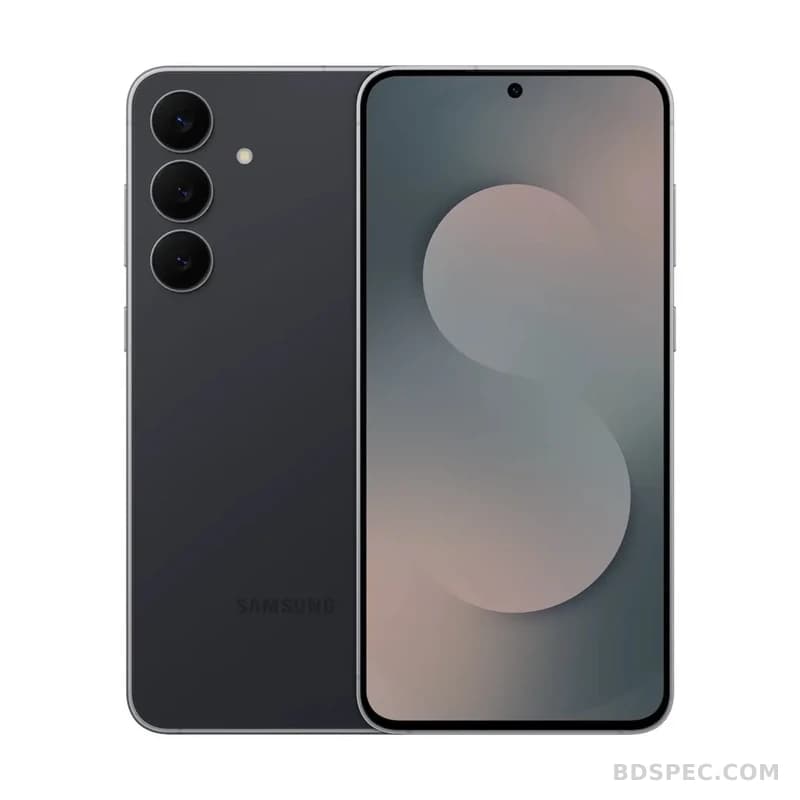
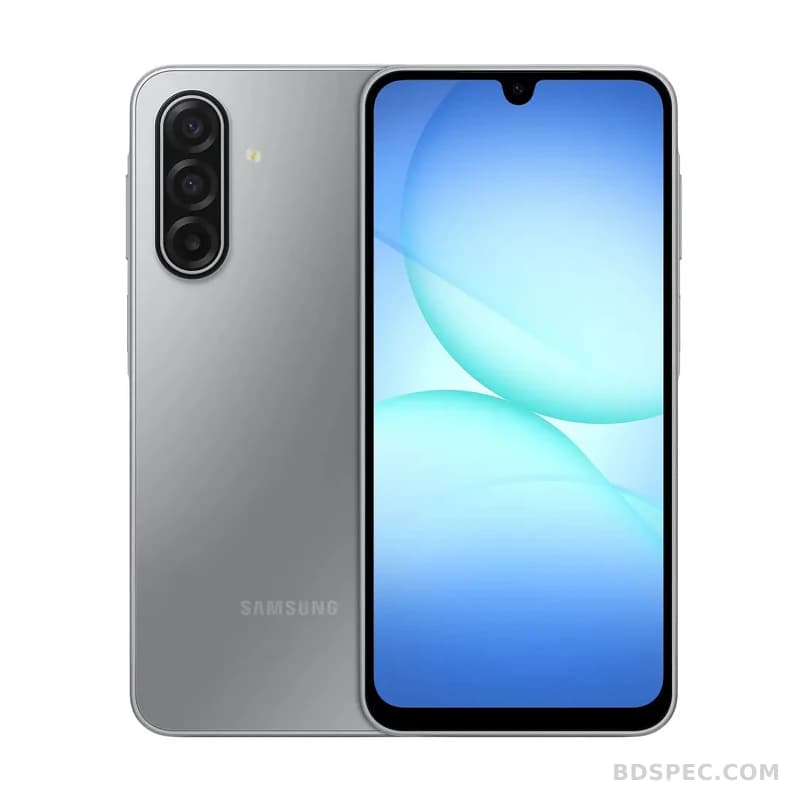
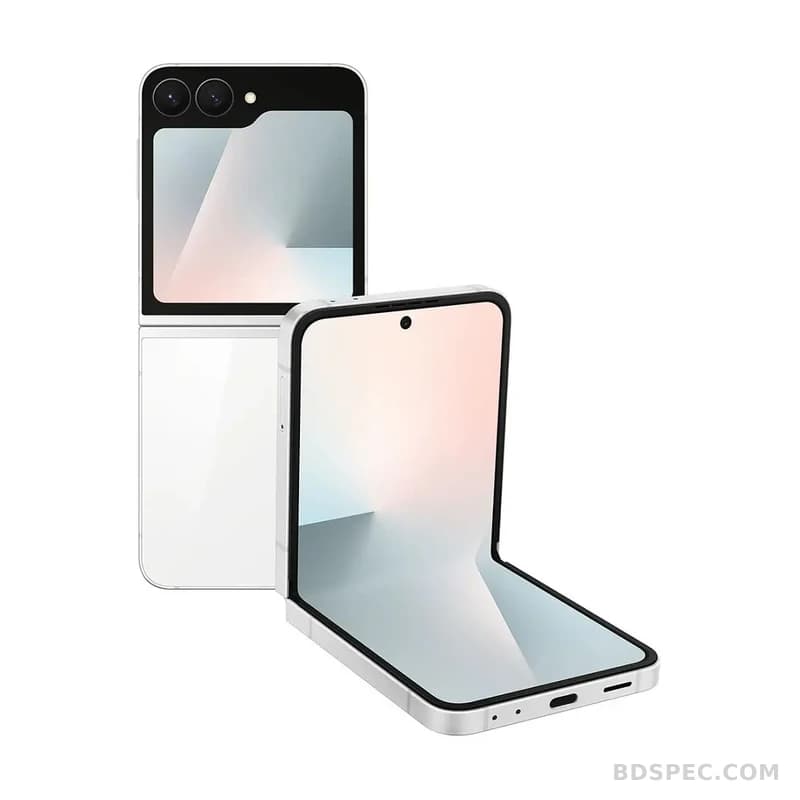
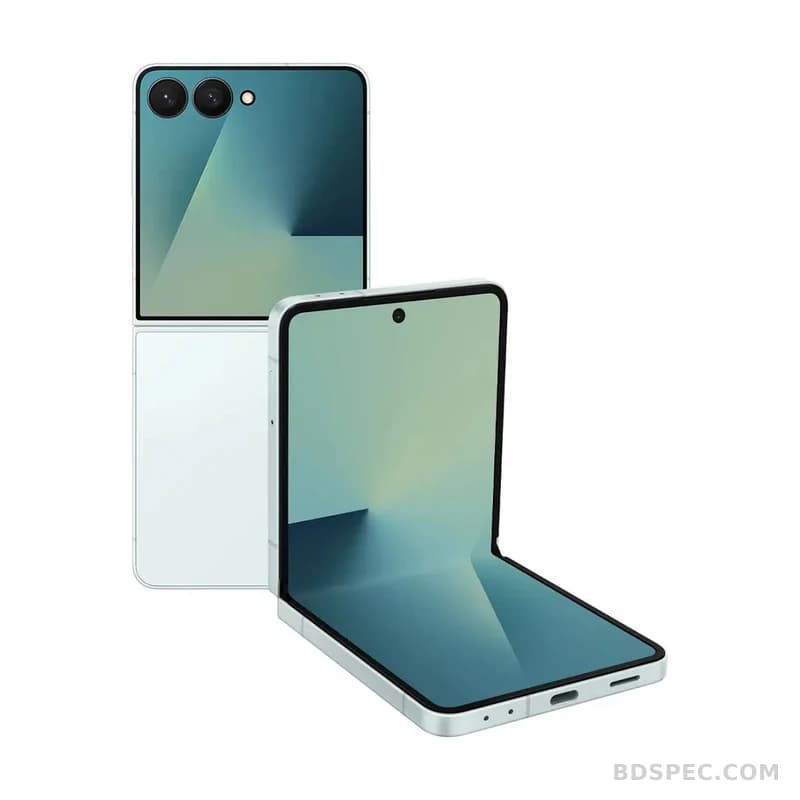
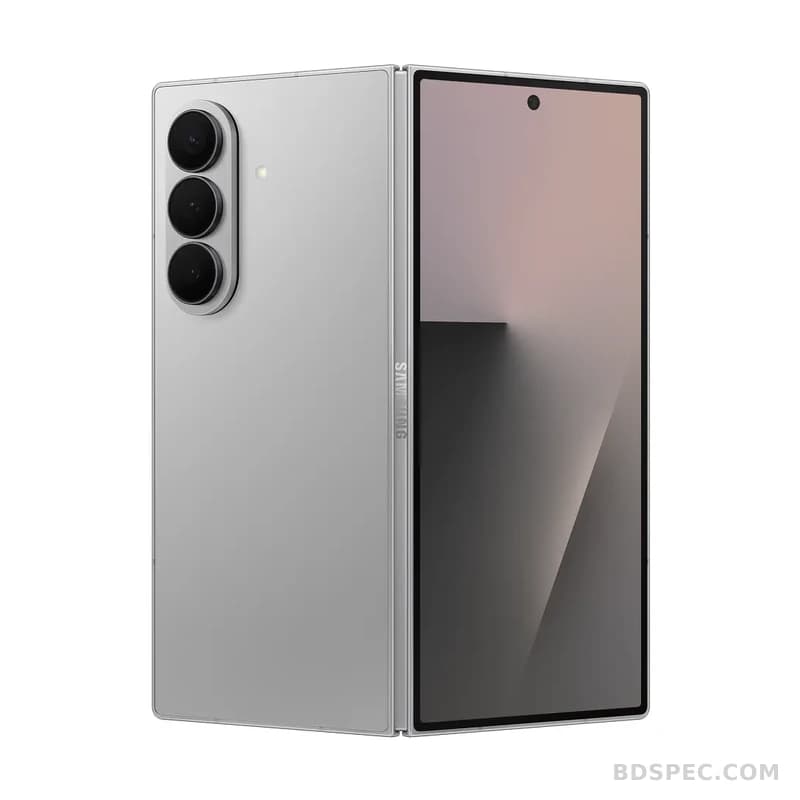
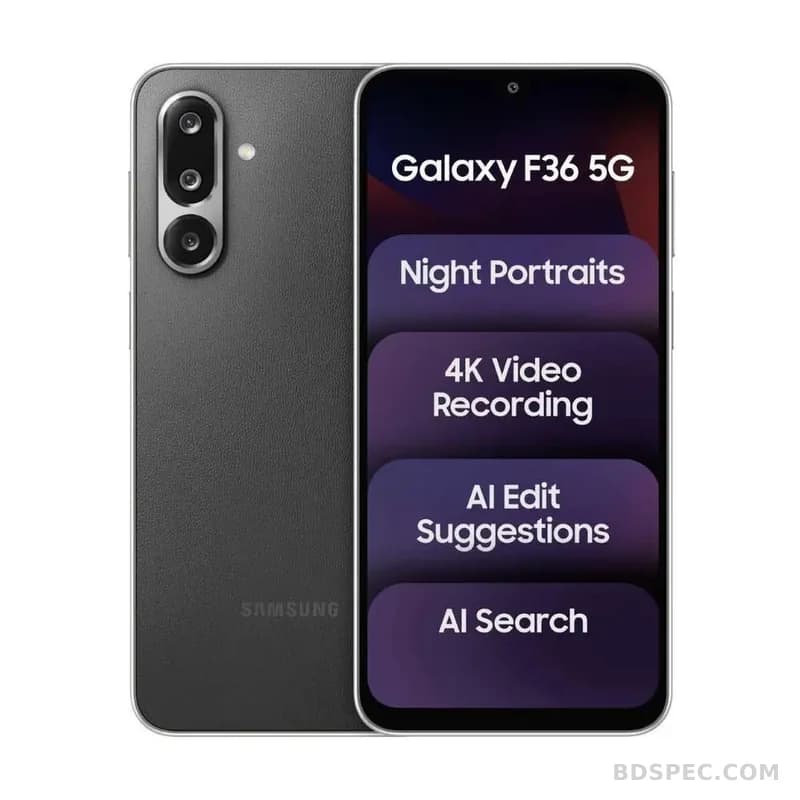
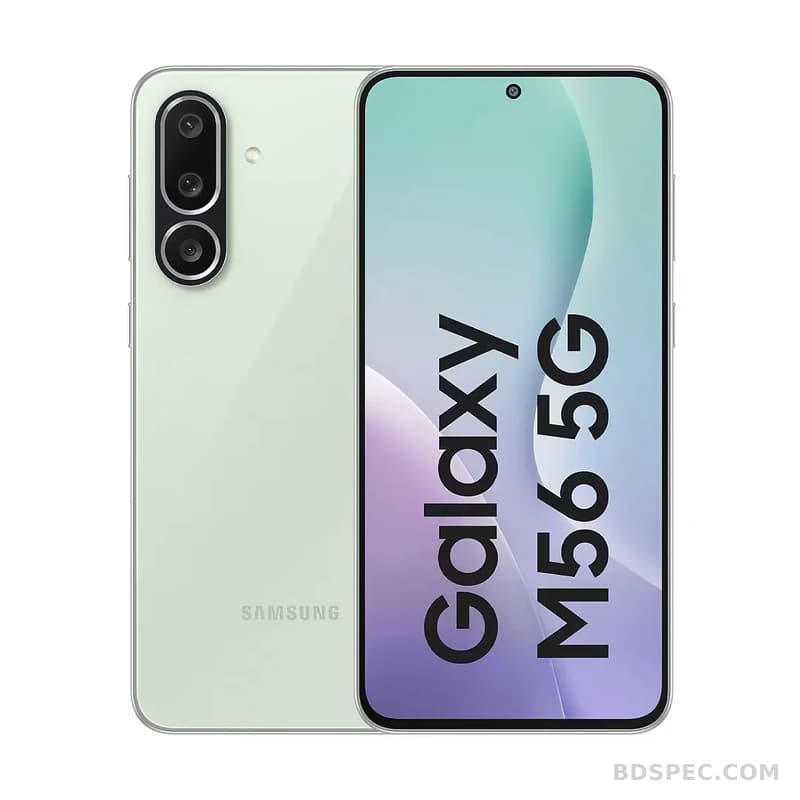
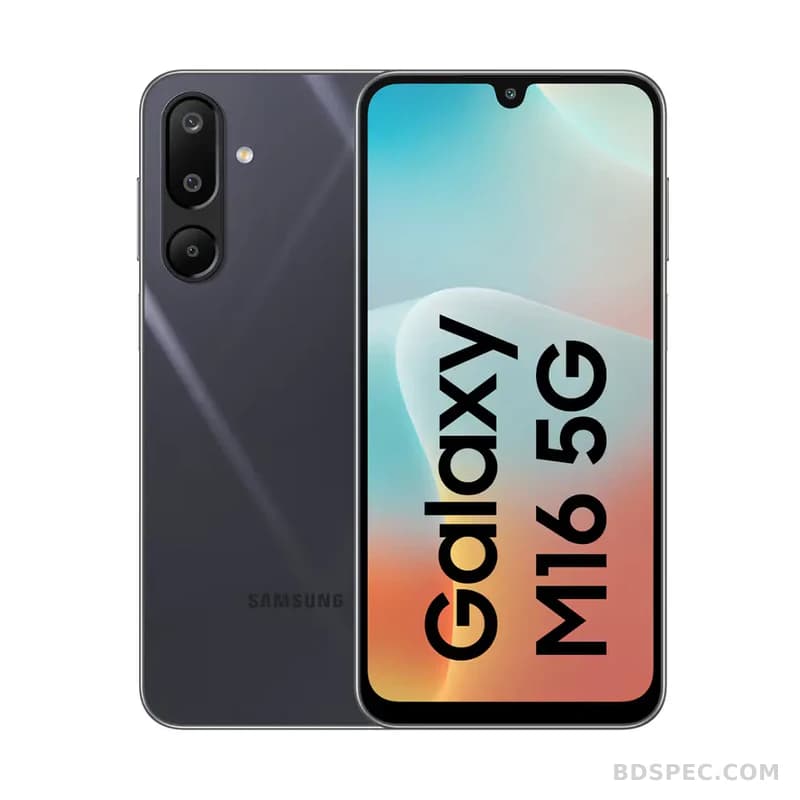
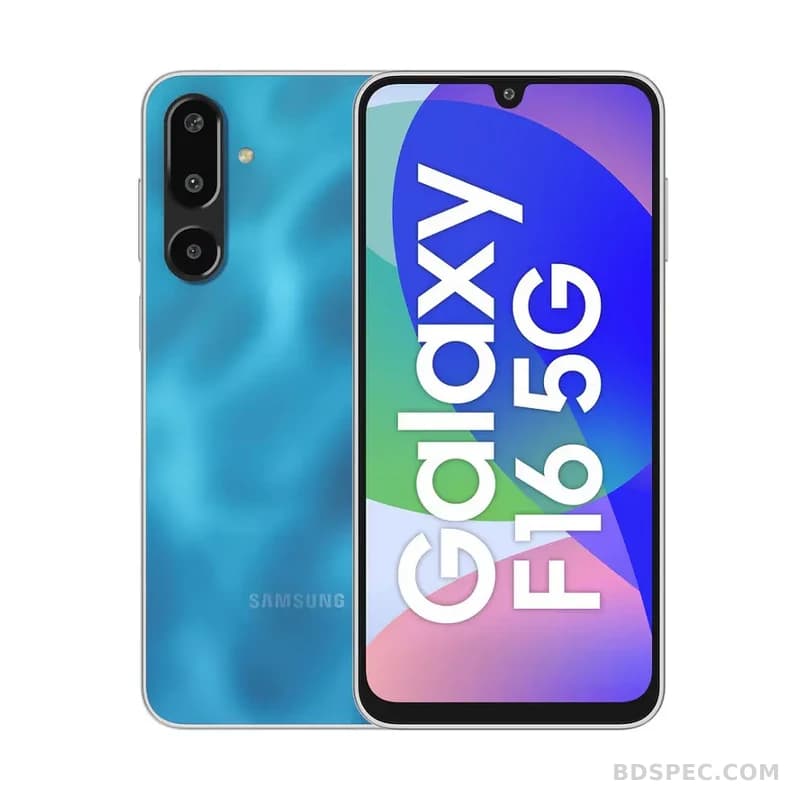
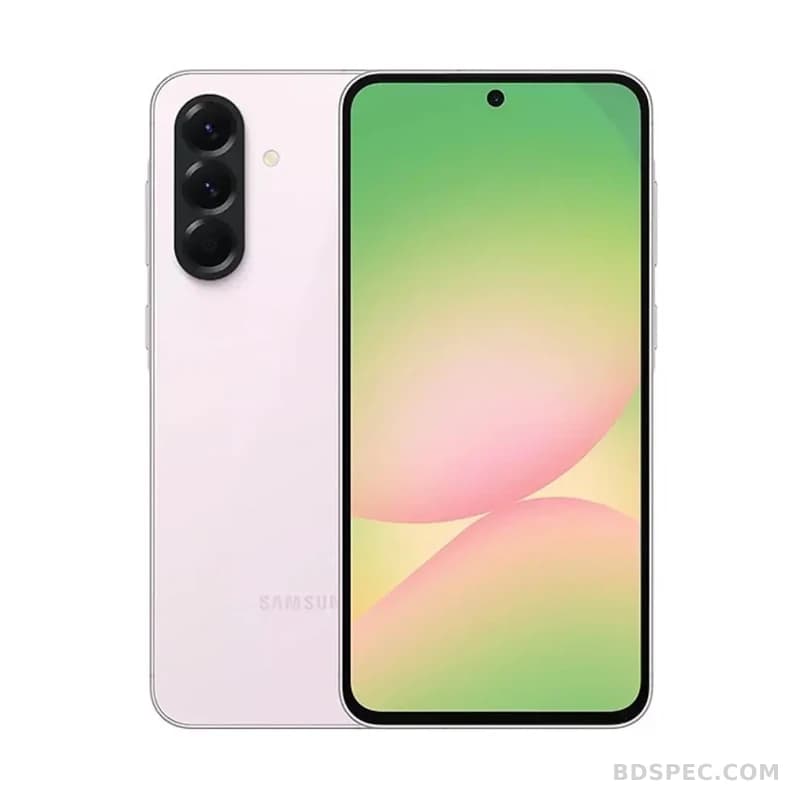
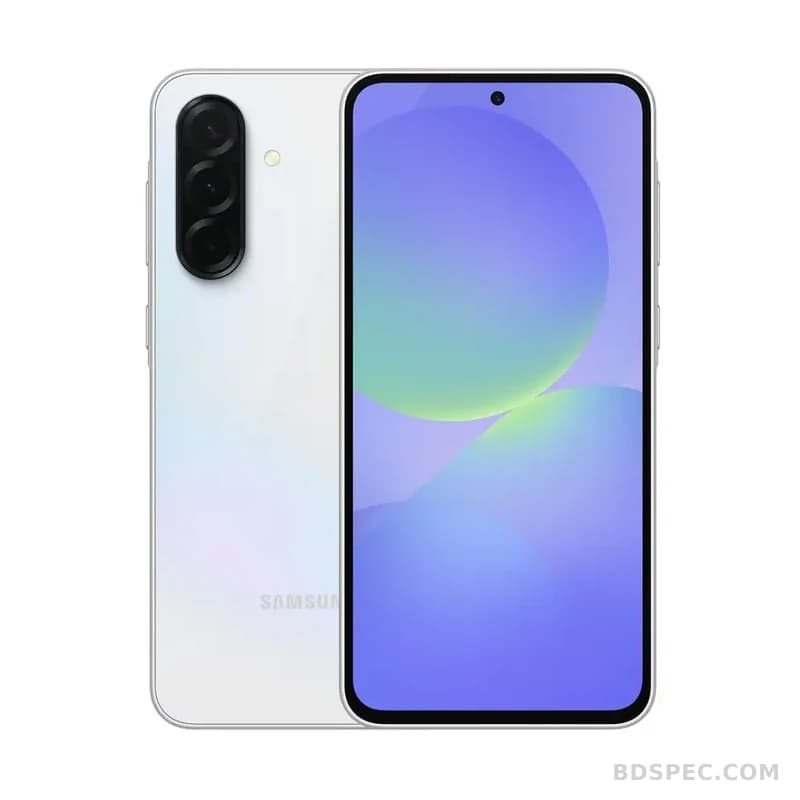
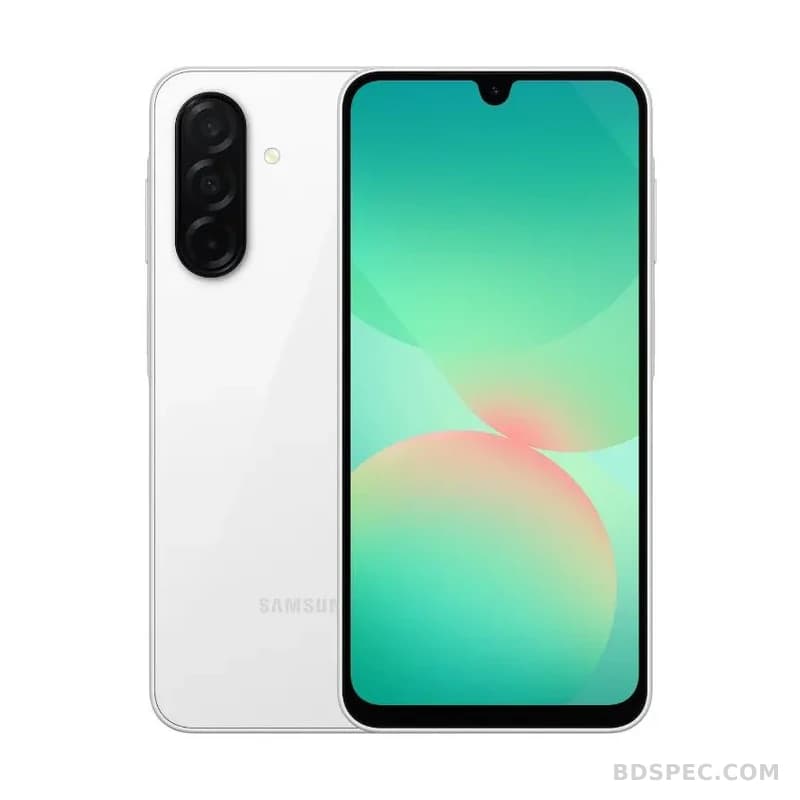
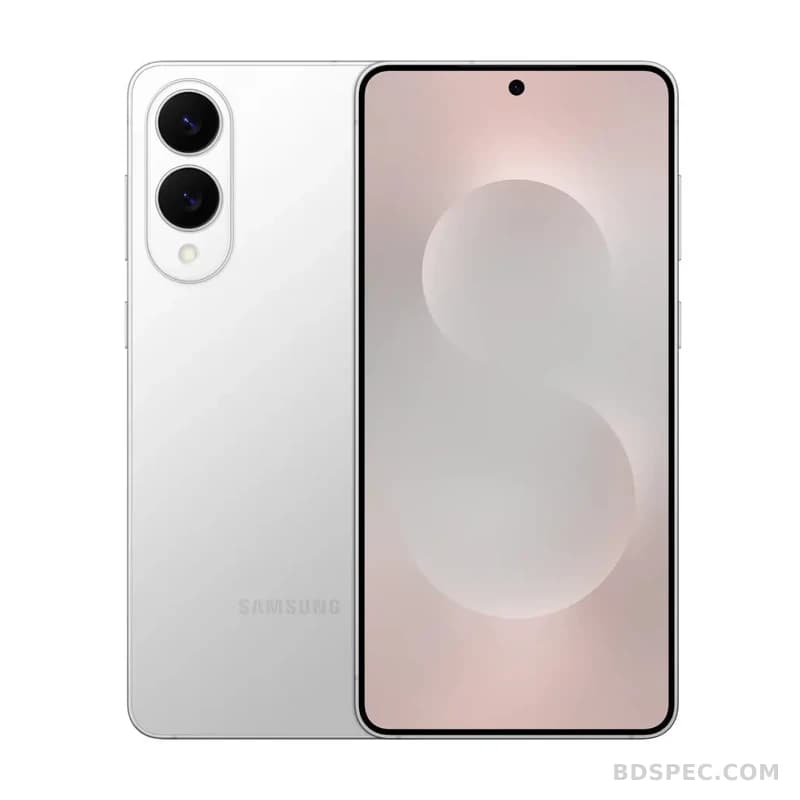
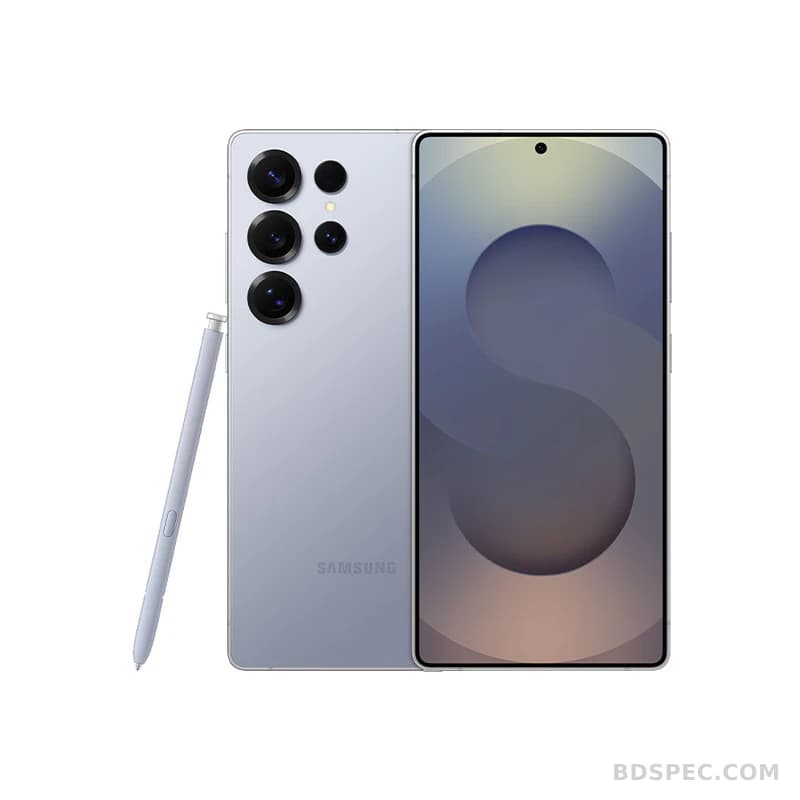
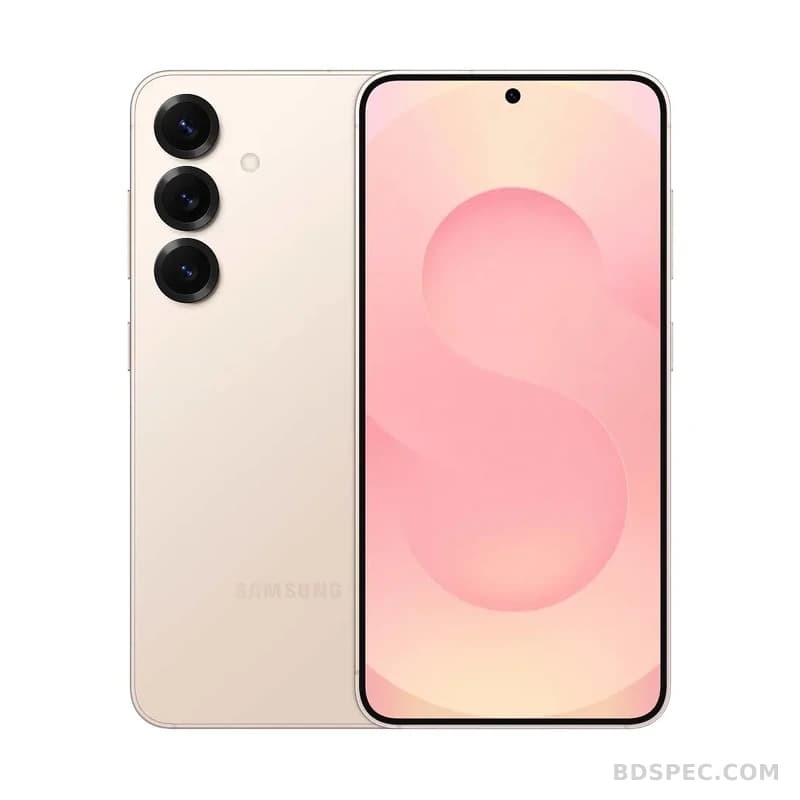
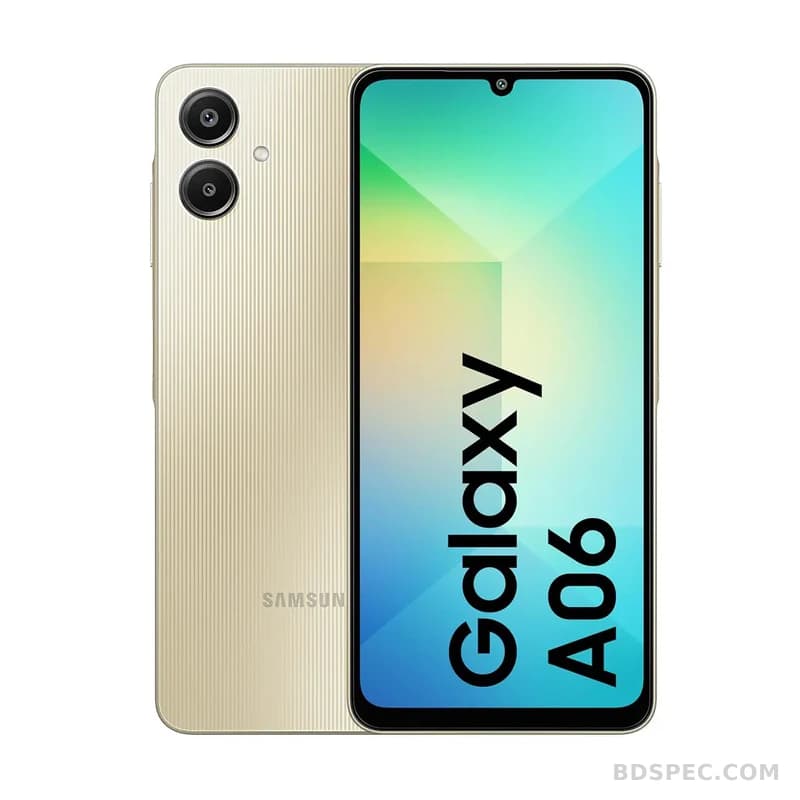
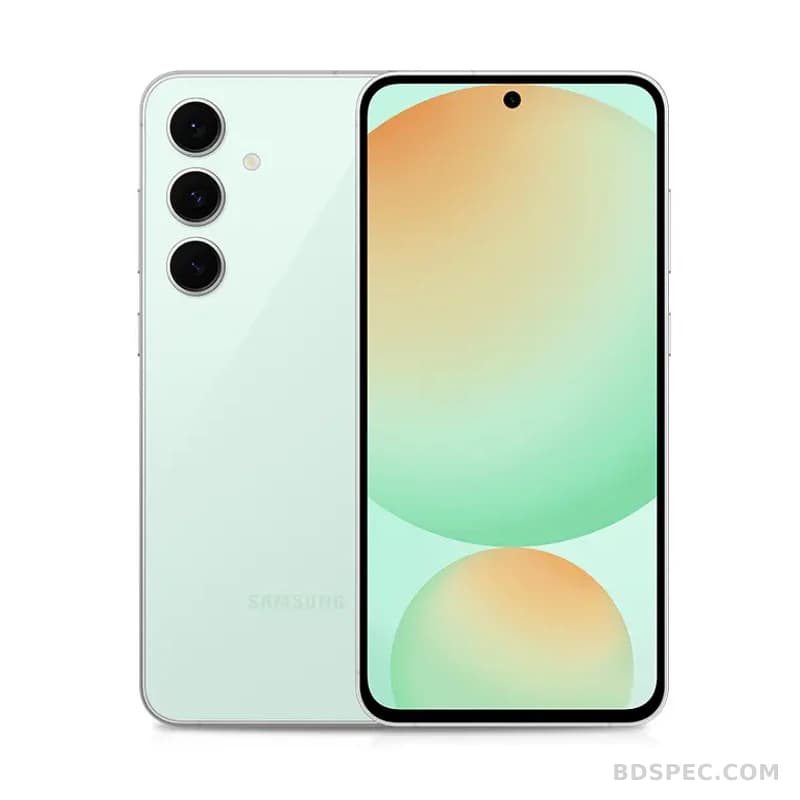
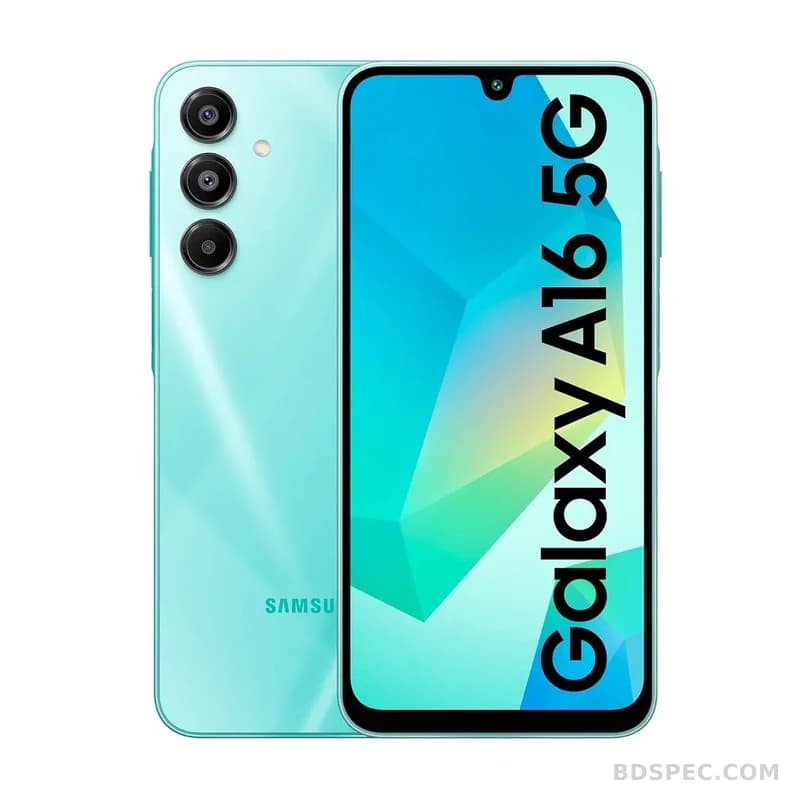
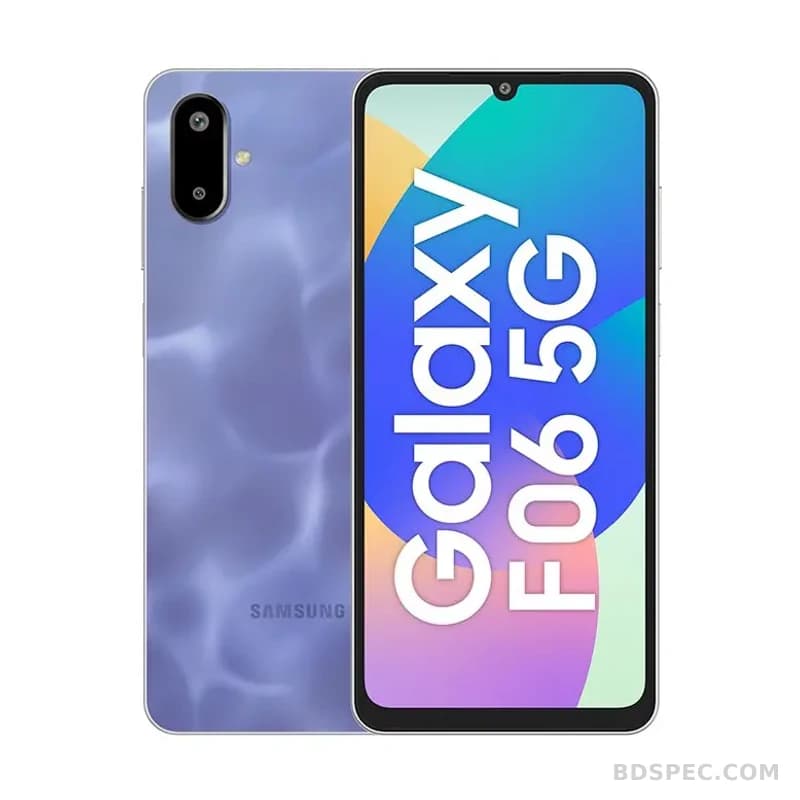
For personal electronics, the decision usually starts with the phone. Samsung smartphone listings on BD SPEC are organised by series, and that structure is worth using. Budget buyers tend to look at the Galaxy A and Galaxy M families, where battery size and screen area matter more than flagship features. Mid-range buyers move up within the A-series for better cameras and AMOLED displays, while the Galaxy S, Galaxy Note and Galaxy Z families serve users who want top-tier performance, advanced cameras or a folding design. Reading the full specification together with the listed price is the only reliable way to compare, since two phones with similar names can differ sharply in chipset, memory and camera hardware.
Tablets and laptops form the second group. Samsung tablets and laptops are bought for study, work and entertainment, and the specifications that matter are the display, processor, memory, storage and battery rather than the brand alone. A student who mainly reads, takes notes and streams video has different needs from someone editing photos or running business software. Because configuration and port selection vary widely across models, the exact specification should be checked against the model you are considering before comparing prices.
Home appliances are where Samsung reaches many Bangladeshi households. Refrigerators, washing machines, air conditioners, freezers, ovens and microwaves are long-term purchases, so local conditions deserve attention: warm rooms, voltage fluctuation, dust and frequent power interruptions. Capacity and energy use usually matter more than extra features, and the same model can vary in efficiency and size. A refrigerator must fit the kitchen and the family; a washing machine must suit the household's laundry habits and water supply; an air conditioner must match the room size. the exact specification is not stored for every Samsung appliance here, so those details should be confirmed for the exact unit.
Televisions and monitors are another major part of the range. When comparing a Samsung TV or monitor, the panel type, resolution, refresh rate, smart platform and the number of HDMI and USB ports decide how well it will serve you. A television used mainly for streaming local channels and apps has different priorities from one used for console gaming, and a monitor used for office work differs from one used for creative work. Checking the listed specifications against the way you actually watch or work is more valuable than chasing the highest model number.
Accessories, PC components, office equipment and security products complete the picture. Memory cards, pen drives, SSDs, server memory and similar items are chosen for capacity, speed and compatibility, while printers, toner, cartridges and interactive panels serve offices and institutions. Samsung's presence in Security includes smart locks, and the office and server lines support business installations. In every one of these areas the same rule applies: match the specification to the task, and confirm compatibility with the equipment you already own before buying. the exact specification may be needed for specialised products.
Price and availability are the final filters, and they are genuinely local. Samsung product prices in Bangladesh move with distributor stock, import channels, promotions and the exchange rate, and the official and open markets can differ. This catalogue records a price where a figure is available and leaves it blank otherwise; where a model has no amount, the exact specification marks the gap instead of a guess. Before buying, decide whether you want an official-warranty unit with local service or an imported one at a lower price, and check the warranty terms and service coverage in your area.
A practical way to use this page is to pick your category first, then your budget, then two or three specific models, and compare only those. Samsung's strength is the width of its range, but that width can be confusing without a plan. Write down what the product must do, how long you expect to keep it, who will service it and what you are willing to spend. Then read the specification fields carefully, confirm the variant and the warranty, and buy the Samsung that fits the job. The brand covers most electronics needs in a Bangladeshi home or office, and the right choice depends far more on matching the model to the task than on the name on the box.